ELEGOO Saturn 4 Ultra 12K
A resin printer to evaluate as part of a complete printing, cleaning and curing workspace. This article covers the 12K Saturn 4 Ultra, not the separate 16K version.
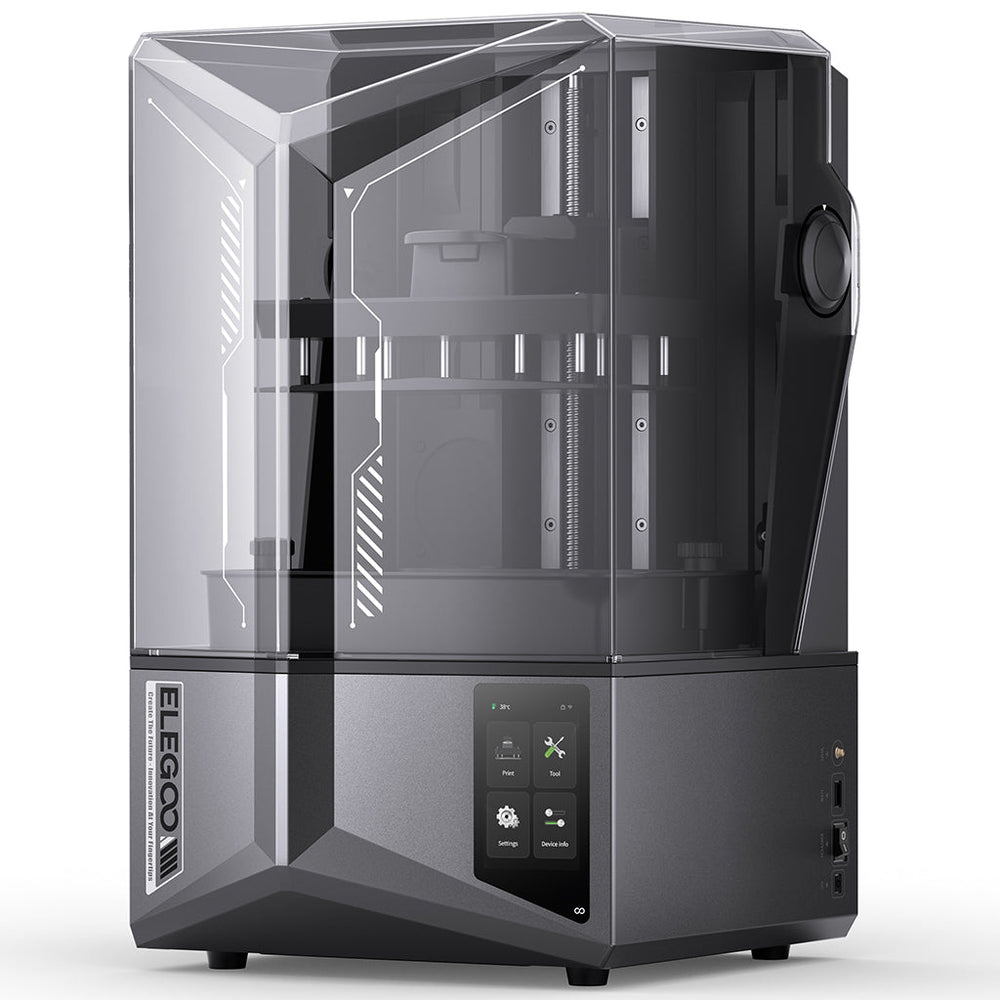 IMAGE: ELEGOO
Model makers who want to investigate detailed resin printing and have space, time and suitable materials-handling arrangements for the full process.
The 12K label and maximum printing speed do not predict every finished model. Resin choice, orientation, support design, exposure and post-processing remain important.
Buy the workflow, not only the printer
A useful purchasing checklist starts with where the entire process will happen. Printing is followed by removing the part, cleaning it and completing the required cure. Space for the printer alone is therefore an incomplete plan. Arrange a suitable work surface, room to handle the build plate, storage for materials and a method for managing used cleaning liquid and other waste before ordering.
ELEGOO's resin guidance calls for a well-ventilated environment and protective equipment appropriate to the material's safety data sheet. Follow that material-specific document for handling and disposal. Our recommendation is to choose the workspace first and the machine second. If you cannot provide that workspace, a specification advantage does not resolve the mismatch.
Read resolution and speed in context
ELEGOO lists a 10-inch 12K monochrome screen, a 218.88 × 122.88 × 220 mm build volume and a maximum speed of 150 mm/h. It uses a tilting resin-tank release mechanism. Those are manufacturer specifications, not independent measurements of detail, reliability or the time to finish a particular model. This guide does not claim to have printed on the machine.
For purchase planning, sketch the dimensions of your likely models and include their supports. A part that fits the nominal rectangle may require a different orientation, additional height or separation from neighboring parts. Likewise, a high pixel count does not make an unsuitable model file, poorly chosen resin or incomplete cure acceptable. Compare the complete chain rather than ranking printers by the largest display number.
Budget time for setup and consumables
The manufacturer's automatic leveling and monitoring features should be understood as aids, not a substitute for inspection. Before a longer project, verify the selected resin's recommended parameters, prepare the model carefully and use a small calibration or test piece where appropriate. A short, controlled check is less costly than discovering a support or exposure problem after filling the build plate.
Compare ownership costs beyond the machine. Resin, cleaning supplies, protective equipment and worn consumable parts affect the ongoing workload. Check the availability and replacement instructions for the exact model's release film and screen. A bundled washing or curing device may simplify the setup, but the listing must say what is included; the printer name alone does not establish bundle contents.
- Confirm that the listing is the Saturn 4 Ultra 12K rather than the separate 16K model.
- Check the chosen resin's safety data and compatible printing parameters.
- Allow handling space around both the printer and post-processing equipment.
- Verify regional support, replacement-part supply and the actual return terms.
Sources & verification
Manufacturer information and primary references. Specifications can vary by region, model and revision; confirm the exact listing before buying.
Choose the exact model and regional version before following a shopping link.
Explore ELEGOO products